Computer Education vs Literacy
Any use of a computer counts as computer education. All education is good! Shooting asteroids -by finding the correct letter- in TuxType is good! Using stampers and paintbrush in TuxPaint is good!

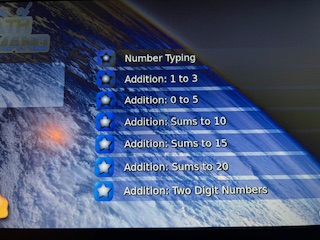
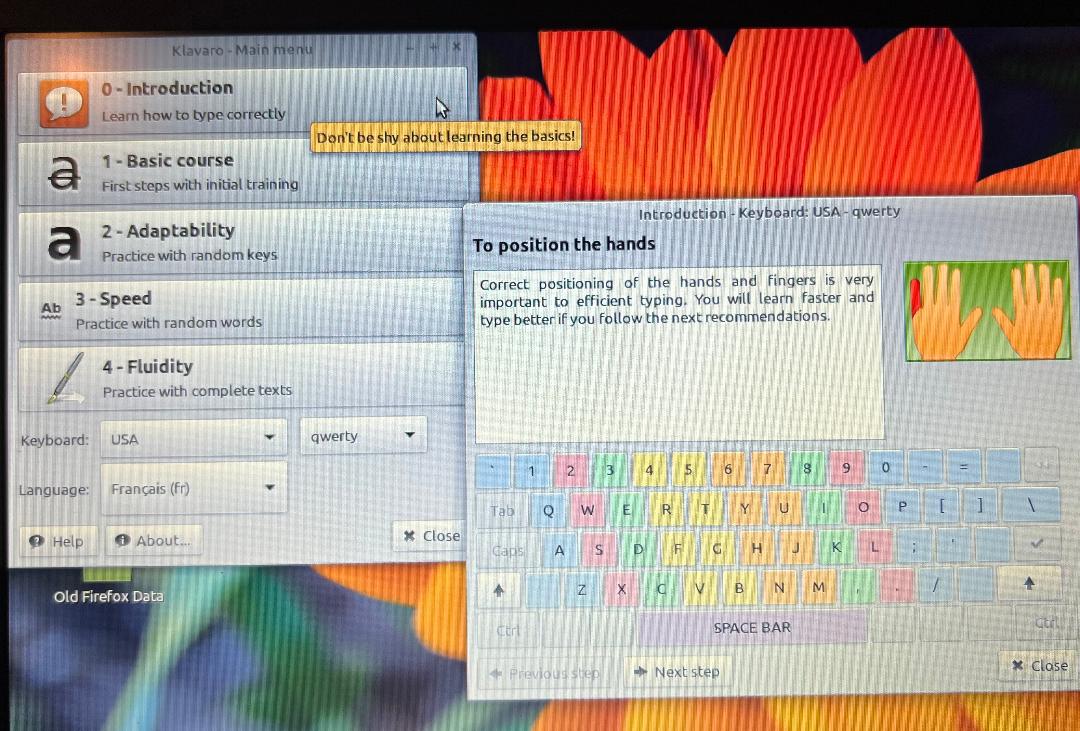

Support classroom instruction that begins with playing games. Games build familiarity with the keys on the keyboard. Learn how to safely close programs and turn off the computer. Understand how to care for the computer hardware.
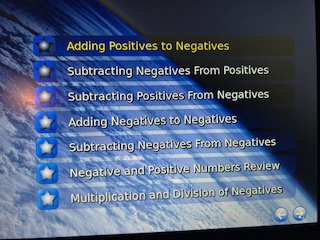
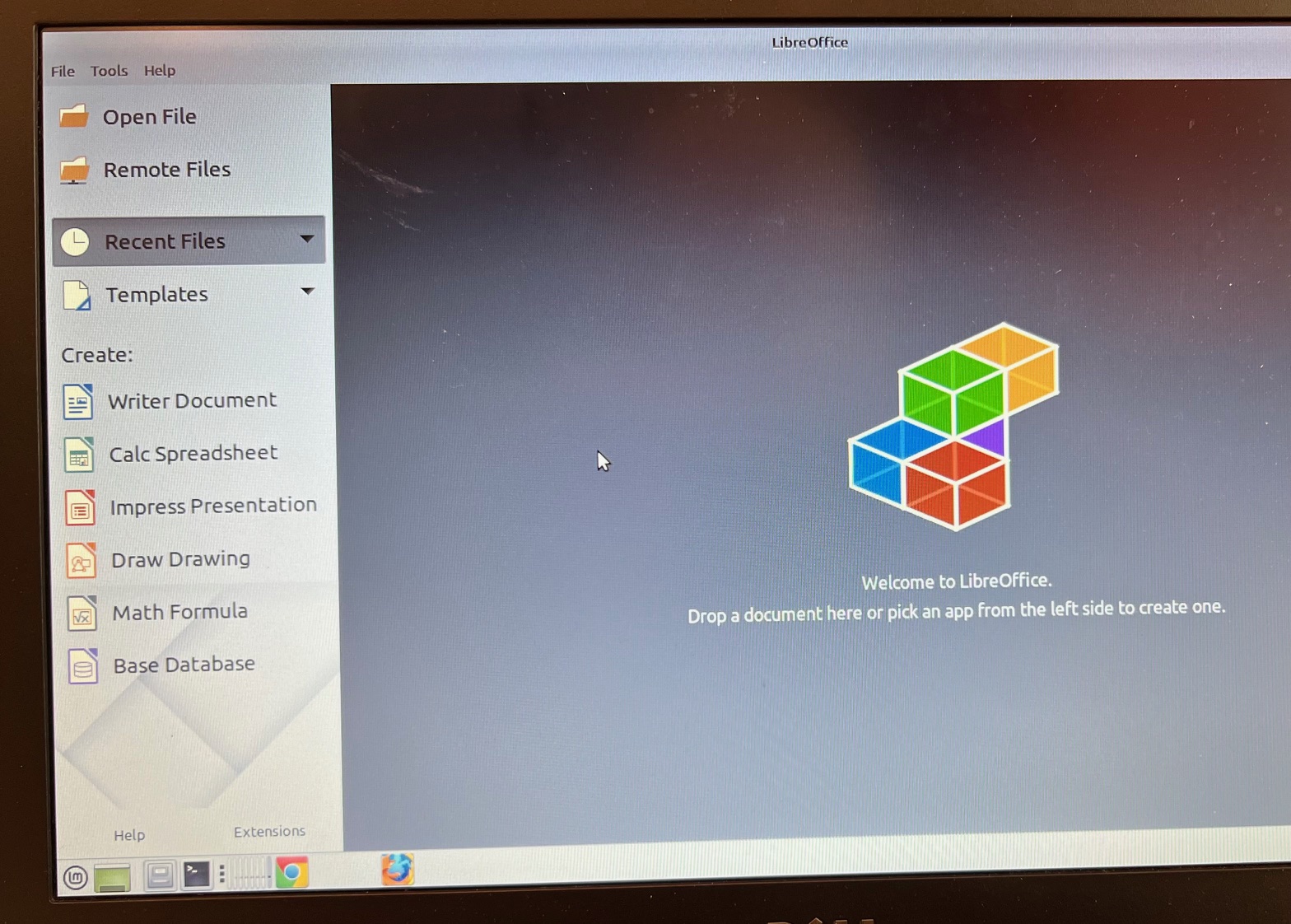
Run multiplication/division math drills using TuxMath. Use TuxPaint to build an understanding of nested menus which are needed for all office productivity software. Try all three typing programs. Then learn Libre-Office Writer and LibreOffice Impress.
Computer Literacy Goals
What does a student need to take a course on the Internet? After Covid-19, more K-12 instruction became available on-line for free. What a student needs to be successful in a course, depends on the course outcomes.
Online K-1 courses, pre-reading and beginning reading courses, require less computer knowledge for success. At this stage, students need a rudimentary knowledge of the keyboard and how to turn off and on the application as well as how to turn off and on the computer safely.
Courses offered for students who read – require more knowledge to be successful-, even for students in grammar school. For example, in the US, students learn how to build a basic slide presentation using Impress (or similar App) in second grade. To be successful in building a slide presentation, the second graders need fundamental typing skills. In the process of building a presentation (which includes adding pictures), the US students learns about file management. After the students are successful in creating presentations, they move onto writing simple research papers using Writer (or a similar App).
US Educators struggled with when to introduce typing, writing documents and creating presentations. They decided that if students were able to take beginning piano (grade 1 or 2) then learn to type programs could begin at a similar age. Acknowledging that reading (and writing) skills vary greatly in grades 1-3; the teachers still wanted the students to be ready by grade 4 to write simple encyclopedia-based research papers. This led to introducing Impress, a Presentation App, in 2nd grade. In presentations, students are encouraged to be brief and to use pictures. The outcome is students learn basic file management- as pictures are found and documents saved and retrieved. It also introduces students to a more complex application that used a nested menu structure. Students are now ready to write simple research papers using Writer (or similar app).
Realistically most on-line courses require research papers and presentations. Think of the five computer literacy skills as what is necessary for success in using the computers in continuing education.
The five computer literacy skills are:
- Basic knowledge of computer hardware and elementary typing skills.
- Proficient in file management- that is finding/saving files and understanding where/how/why to save in different file formats. Proficient in controlling peripheral devices such as disk drives, USBs, printers, scanners.
- Familiarity with LibreOffice Suite productivity software. Proficient in LibreOffice Writer, LibreOffice Calc and LibreOffice Impress.
- Email proficiency and an understanding of the Internet- to include how best to research topics.
- Understanding of computer security and privacy.
Estrateji Edikasyon
Edikasyon Odinatè vs Alfabetizasyon
Nenpòt itilizasyon yon òdinatè konte kòm edikasyon sou òdinatè. Tout edikasyon bon! Tire astewoyid -pa jwenn lèt ki kòrèk la- nan TuxType se yon bon bagay! Sèvi ak stampers ak pens nan TuxPaint se yon bon bagay!
Sipòte ansèyman nan salklas ki kòmanse ak jwe jwèt. Jwèt bati abitye ak kle yo sou klavye a. Aprann kijan pou fèmen pwogram yo san danje epi fèmen òdinatè a. Konprann kijan pou pran swen pyès ki nan konpitè òdinatè a.
Fè egzèsis matematik miltiplikasyon/divizyon lè l sèvi avèk TuxMath. Sèvi ak TuxPaint pou konstwi yon konpreyansyon sou meni enbrike ki nesesè pou tout lojisyèl pwodiktivite biwo. Eseye tout twa pwogram saisie. Apre sa, aprann Libre-Office Writer ak LibreOffice Impress.

Objektif alfabetizasyon òdinatè
Ki sa yon elèv bezwen pou pran yon kou sou entènèt la? Apre Covid-19, plis enstriksyon K-12 te vin disponib sou entènèt gratis. Sa yon elèv bezwen pou gen siksè nan yon kou, depann sou rezilta kou yo.
Kou sou entènèt K-1, kou pre-lekti ak kou kòmanse lekti, mande mwens konesans sou òdinatè pou siksè. Nan faz sa a, elèv yo bezwen yon konesans rudimentaire sou klavye a ak kijan pou etenn ak sou aplikasyon an ansanm ak fason pou fèmen ak sou òdinatè a san danje.
Kou yo ofri pou elèv ki li – mande plis konesans pou gen siksè-, menm pou elèv ki nan lekòl gramè. Pa egzanp, Ozetazini, elèv yo aprann kijan pou yo konstwi yon prezantasyon debaz diaporama lè l sèvi avèk Impress (oswa yon aplikasyon ki sanble) nan klas dezyèm ane. Pou gen siksè nan bati yon prezantasyon diapositives, elèv dezyèm ane yo bezwen ladrès fondamantal sezisman. Nan pwosesis pou konstwi yon prezantasyon (ki gen ladann ajoute foto), elèv ameriken yo aprann sou jesyon dosye. Apre elèv yo gen siksè nan kreye prezantasyon yo, yo deplase sou ekri papye rechèch senp lè l sèvi avèk Writer (oswa yon aplikasyon ki sanble).
Edikatè Ameriken yo te lite ak ki lè yo prezante sezisman, ekri dokiman ak kreye prezantasyon. Yo te deside ke si elèv yo te kapab pran kòmansman pyano (klas 1 oswa 2) Lè sa a, aprann tape pwogram yo ta ka kòmanse nan yon laj menm jan an. Rekonèt ke ladrès lekti (ak ekriti) varye anpil nan klas 1-3; pwofesè yo te toujou vle elèv yo pare nan klas 4yèm ane pou yo ekri papye rechèch ki baze sou ansiklopedi ki senp. Sa a te mennen nan entwodwi Impress, yon Aplikasyon Prezantasyon, nan klas 2yèm ane. Nan prezantasyon yo, yo ankouraje elèv yo pou yo brèf epi pou yo sèvi ak foto. Rezilta a se elèv yo aprann jesyon dosye debaz yo – jan yo jwenn foto ak dokiman yo sove ak rekipere. Li tou entwodui elèv yo nan yon aplikasyon ki pi konplèks ki itilize yon estrikti meni imbrike. Kounye a, elèv yo pare pou ekri papye rechèch ki senp lè l sèvi avèk Writer (oswa aplikasyon ki sanble).
Reyalistik, pifò kou sou entènèt mande pou papye rechèch ak prezantasyon.Panse a senk konpetans nan alfabetizasyon òdinatè kòm sa ki nesesè pou siksè nan sèvi ak òdinatè yo nan edikasyon kontinyèl.
Senk ladrès alfabetizasyon òdinatè yo se:
- Konesans debaz nan pyès ki nan konpitè òdinatè ak ladrès elemantè sezisman.
- Konpetan nan jesyon dosye-ki se jwenn/sove fichye ak konpreyansyon ki kote/ki jan/poukisa pou konsève pou nan diferan fòma dosye. Konpetan nan kontwole aparèy periferik tankou kondui ki gen kapasite, USB, enprimant, eskanè.
- Abitye ak lojisyèl pwodiktivite LibreOffice Suite. Konpetan nan LibreOffice Writer, LibreOffice Calc ak LibreOffice Impress.
- Konpetans kouryèll ak yon konpreyansyon sou Entènèt la- pou enkli pi bon fason pou rechèch sijè.
- Konprann sekirite òdinatè ak vi prive.
 Computers4Haiti